


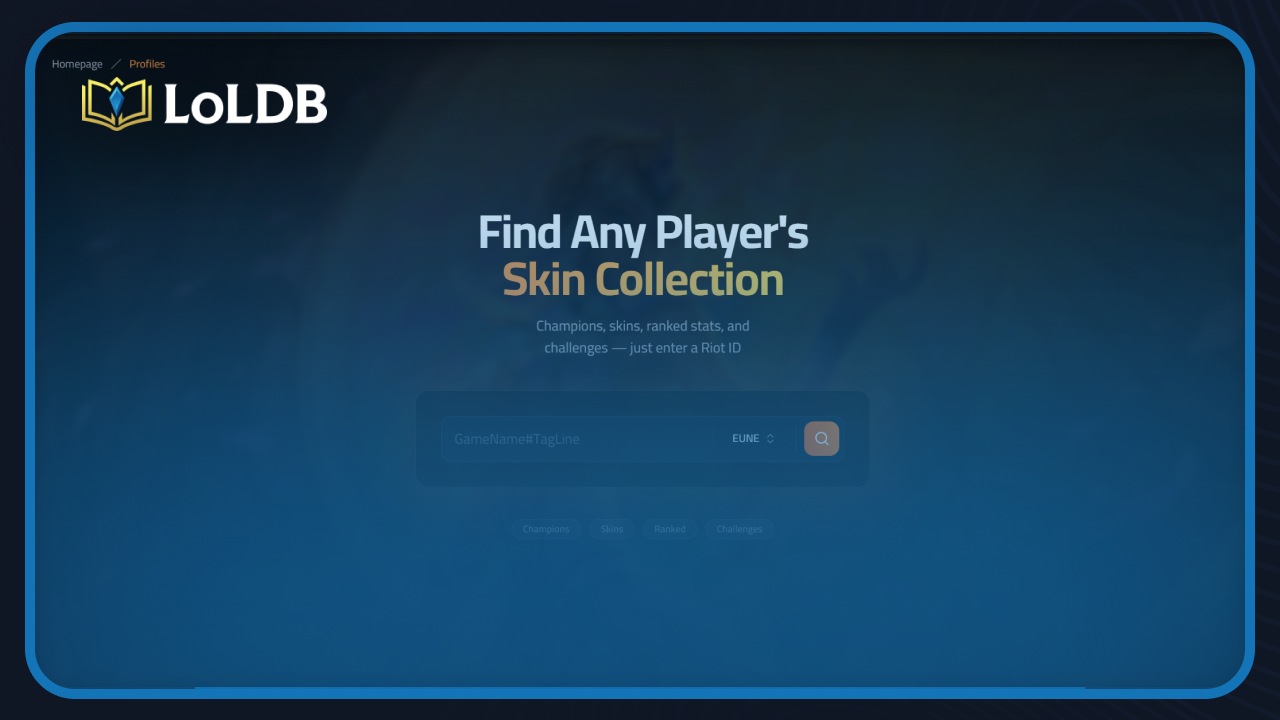
LoLDB is a League of Legends database that lets you look up any player's profile using just their Riot ID. This feature shows you a player's skin collection, owned champions, ranked stats, and challenge progress all in one place. In this article, we'll explore everything you need to know about LoLDB skin collection tracker, including how to use it and what information you can find.
Also Read: All League of Legends Seasons Start & End Dates
What Is the LoLDB Profile Feature
There is no official way to view another player's skin collection through the League of Legends client. LoLDB is the first platform to offer this. By entering any player's Riot ID into the Profiles search, you can see their full skin collection, champion ownership, rank, and challenge progress without needing access to their account.
It works for your own account too. If you want a quick overview of what you own, your current rank across queues, or how far along your challenges are, LoLDB Profiles pulls all of that together instantly.
How to Look Up a Player's Profile on LoLDB
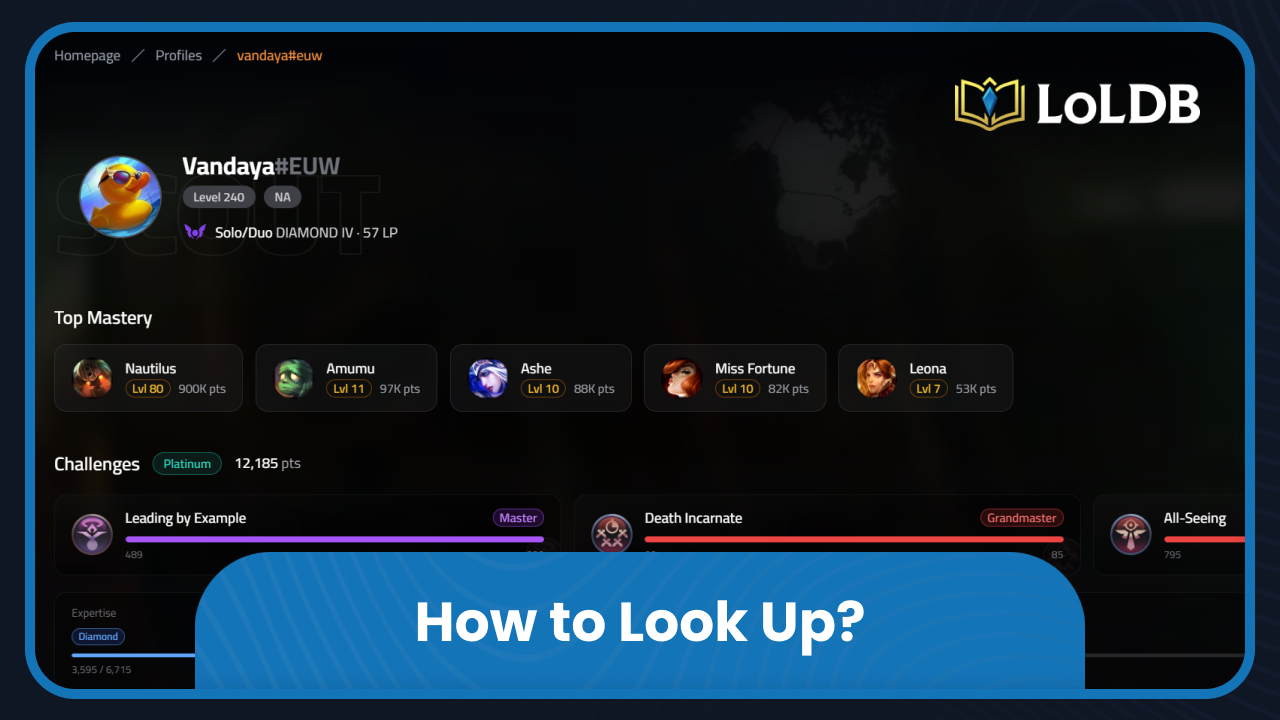
Looking up a profile takes a few seconds. Here's how to do it:
Go to loldb.info/profiles
Enter the player's Riot ID in the search bar
Select your region
Click the search button to load the profile
The profile will load with four tabs: Champions, Skins, Ranked, and Challenges.
What You Can See
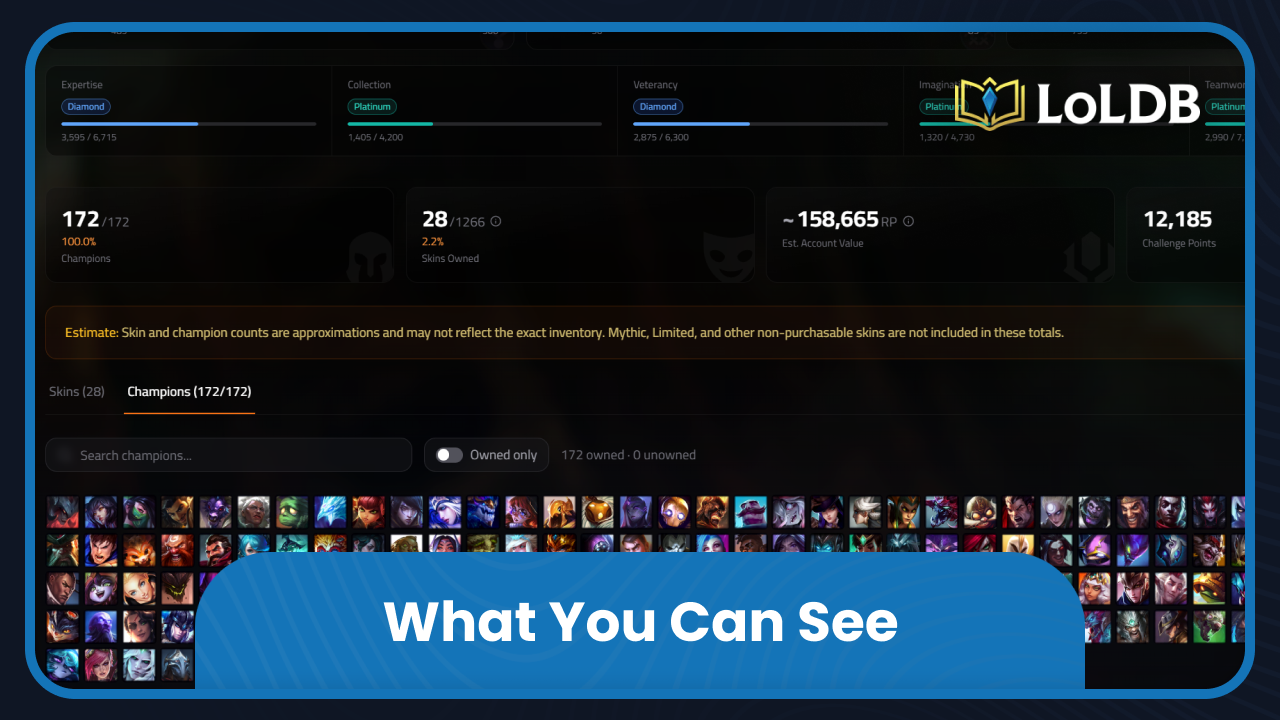
Champions: The Champions tab shows every champion the player owns. You can see at a glance how large their champion pool is and which champions they have unlocked.
Skins: The Skins tab is one of LoLDB's most unique features. It displays the player's full skin collection, showing every skin they own across all champions. This is information the League client itself does not make available to other players. If you want to check what skins someone has without asking them, this is the only place to do it.
Ranks: The Ranked tab shows the player's current rank in League of Legends. Rank ranges from Iron at the bottom all the way up to Challenger at the top, and it updates after each ranked game based on wins, losses, and overall performance. LoLDB displays the player's rank for each queue separately, covering both Solo/Duo and Flex, along with their total wins and losses for each.
Challenges: The Challenges tab shows the player's progress across League of Legends' challenge system. Challenges were introduced in patch 12.9 and cover over 300 different in-game objectives across five categories: Expertise, Veterancy, Collection, Imagination, and Teamwork & Strategy. Each challenge has its own tier following the same Iron-to-Challenger structure as ranked. Completing challenges earns points that contribute to your overall Crystal rank, which is displayed on your profile alongside any titles and tokens you have earned.
Also Read: League of Legends: The Sanctum and Ancient Sparks Explained
How to Check Your LoL Rank
Checking your own rank on LoLDB follows the same process as looking up any other player. Go to loldb.info/profiles, enter your Riot ID, select your region, and hit search. Your current rank loads instantly alongside your win/loss record for each queue. If you want to track how your account value stacks up across your skin and champion collection, the Account Value Calculator is a separate LoLDB tool worth checking out.
Final Words
LoLDB Profiles gives you a complete view of any League of Legends player's account, skins, champions, rank, and challenges using just their Riot ID. It fills a gap the League client leaves open, particularly for skin collection lookup, which has no official in-game equivalent.
Want to explore more? LoLDB has everything League of Legends. Browse champions, skins, mythic shop rotation, current sales, and much more!
When is the Next Clash? Complete LoL Clash Schedule (2026)
League of Legends Clash is a tournament-style game mode within League of Legends, designed for organised teams of players rather than the normal ranked queue....
Is League of Legends Free to Play? Everything to Know
League of Legends is a MOBA game that has attracted millions of players worldwide since its launch in 2009. Many players wonder what's actually free and what costs...